KodeneYour PC from any browser.
Download
Remote access without the baggage

Your PC from any browser.

Remote access to your files, apps, games, and controls.

Install Kodene on this computer once.Open it later from your laptop, phone, tablet, or another browser.No syncing, no router work.

Live remote control
01 / 04

Know the stream is healthy

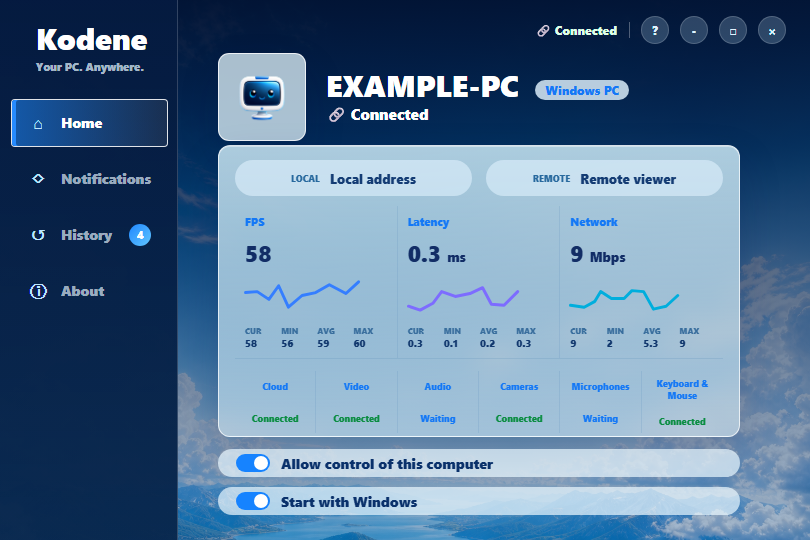
Check FPS, latency, network, video, audio, input, cameras, and microphones while a session runs.

Built for real use

Remote access that is ready before you leave the room.

Clear enough for code and tools.

Read text, review work, and run desktop apps remotely with crisp video, responsive input, and resolution settings for long sessions.

Crisp textCode remotelyCustom resolution
Kodene remote desktop coding workflow.

Use the power of your main PC.

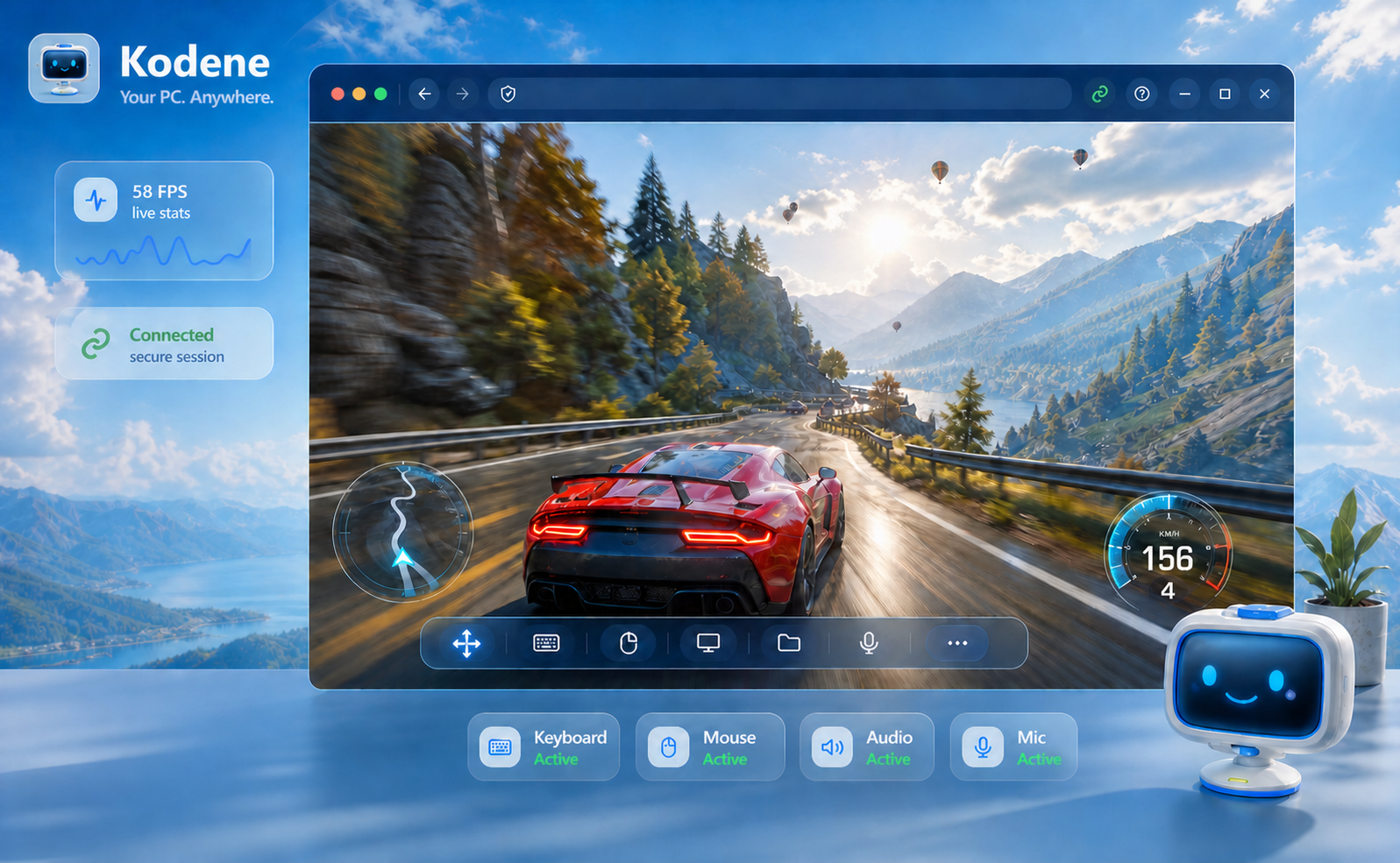
Reach your gaming or workstation setup from the browser with high frame rates, low latency, audio, and controls visible at a glance.

Maximum FPSLow latencyGame controls
Kodene remote desktop gaming workflow.

Open it from the device in your hand.

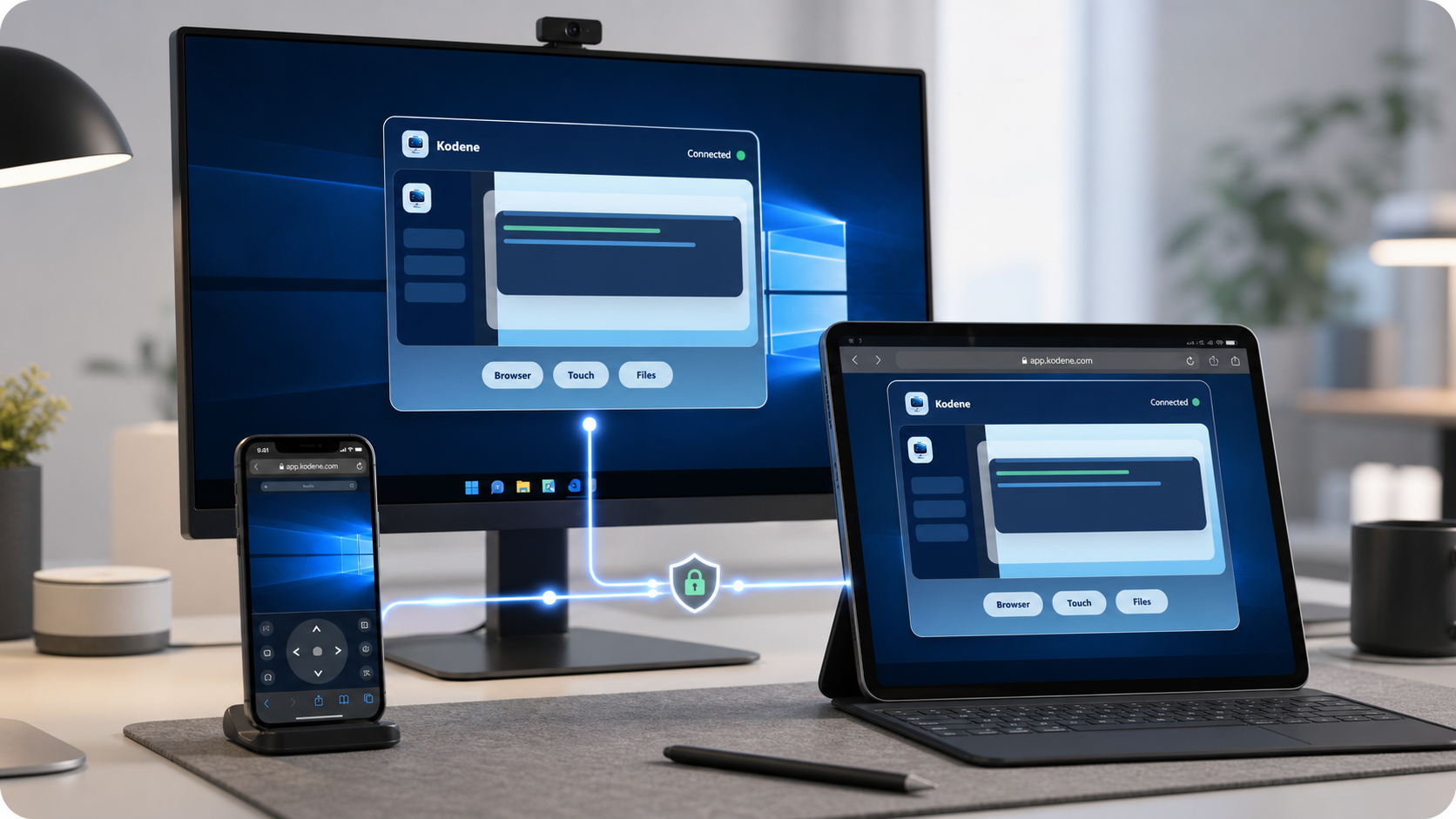
Connect from a laptop, tablet, or phone browser. The device you connect from does not need a client install.

Mobile firstNo app installAny browser
Kodene mobile browser remote access on phone and tablet.

Setup stays simple.

When it is time to pair a computer, the agent shows the browser link, machine name, and quick connect flow in one place.

Quick connectClear setupBrowser login
Kodene setup screen showing browser login and quick connect QR code.

Keep every access channel visible.

See which parts of the computer are active during a session, from screen and audio to keyboard, mouse, camera, and microphone access.

ScreenAudioKeyboardMouseCameraMic
Kodene live session screen showing active remote access channels.
Security model

Private by default, visible when it matters.

Access without exposing your desktop.

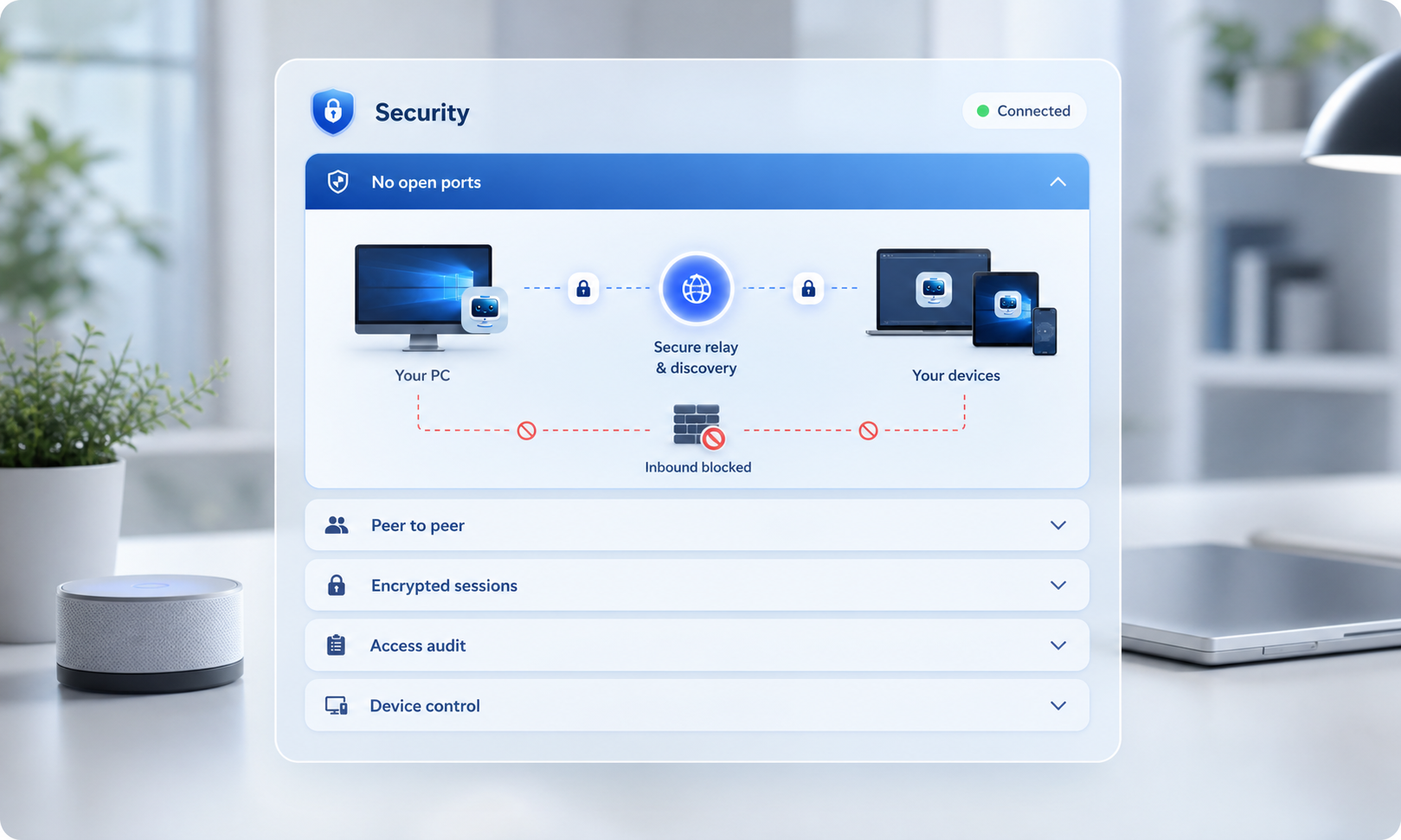
Kodene avoids inbound firewall holes, uses encrypted sessions, prefers peer-to-peer routing where available, and records activity for review.

No open portsPeer to peerEncrypted sessionsAccess audit
Kodene security accordion showing no open ports, peer to peer, encrypted sessions, access audit, and device control.
Live stats

See stream quality at a glance.

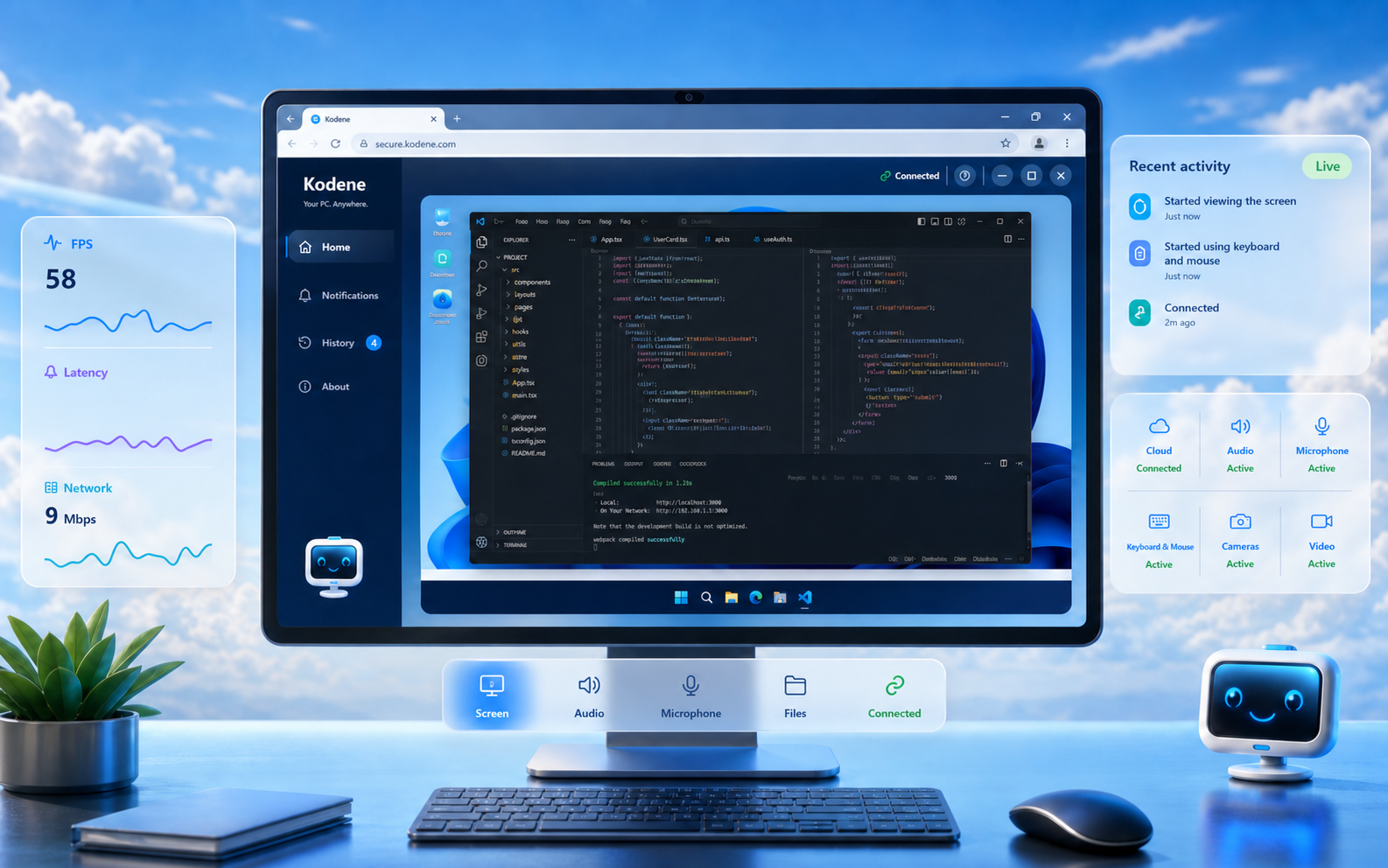
Kodene shows FPS, latency, network throughput, connection state, and active video, audio, input, camera, and microphone channels while the session runs.

FPS Latency Network Video, audio, input
Kodene home screen showing live FPS, latency, network, video, audio, mouse and keyboard, cameras, and microphones.
Live cards show what is connected and how the stream is performing.
Configurable alerts

Get alerted only when it matters.

Start with a notification profile, then switch to Custom when you want to choose individual tray alerts.

Most important Warnings Verbose Custom
Kodene notifications screen showing configurable tray alert toggles.
Profiles set sensible defaults, and Custom keeps per-event control available.
Audit trail

Know who connected and what was used.

Kodene groups activity by session so you can review who connected, when it happened, and whether video, audio, input, cameras, or microphones were active.

IP address Browser details Access level Events and logs
Kodene history screen showing session events, IP address, browser details, and access labels.
Sessions keep events, logs, time, IP address, and remote activity together.